Scam websites are everywhere -- from fake online stores to phishing pages that mimic your bank. They are designed to steal your money, your login credentials, or your personal information. If you want to check a website right now, use our free scam website checker for an instant analysis. The good news is that most scam websites share telltale red flags that you can learn to spot quickly.
This guide gives you a comprehensive checklist to evaluate any website before you trust it with your money or personal information.
ℹWhen in Doubt, Don't Proceed
If you are unsure whether a website is legitimate, do not enter any personal information or make any purchases. Use the verification steps below first, or use ScammerDetect to check the domain.
Red Flag 1: Suspicious URL
The URL is the first thing to check and one of the easiest giveaways.
- Misspelled domain names: Scammers use typosquatting -- domains like
amaz0n.com,paypa1.com, orgo0gle.comthat look similar to real companies - Extra words or subdomains:
login-paypal.secure-account.comis NOT a PayPal site -- the actual domain issecure-account.com - Unusual top-level domains: While
.com,.org, and.netare common, be cautious of unfamiliar extensions like.xyz,.top, or.buzzon sites claiming to be established brands - Long, random strings: Legitimate companies use clean, readable URLs
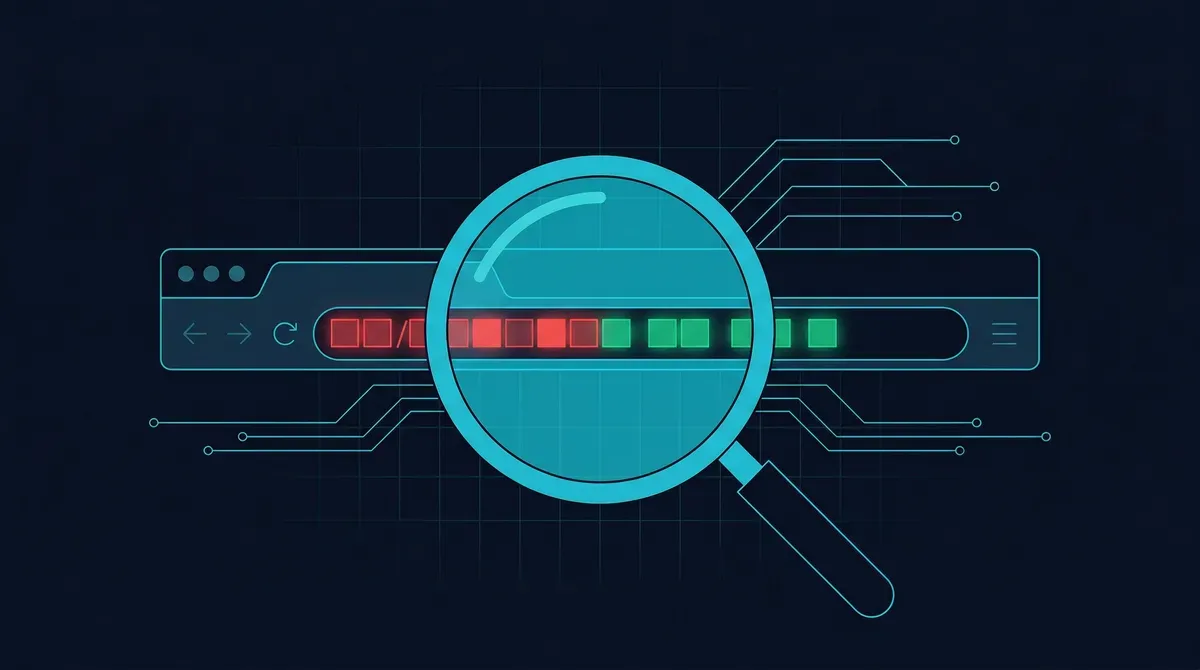
How to check: Look carefully at the address bar. The real domain is what comes immediately before the first single slash (/).
Red Flag 2: No Contact Information
Legitimate businesses provide clear ways to reach them.
- No physical address listed
- No phone number or the number does not work
- Only a contact form with no email address
- No "About Us" page or the page contains generic filler text
If a website selling products or services has no verifiable contact information, do not trust it.
Red Flag 3: Too-Good-to-Be-True Offers
Scam shopping sites frequently lure victims with unrealistic pricing:
- 70-90% discounts on brand-name products
- Luxury items at a fraction of their retail price
- "Limited time" urgency designed to stop you from thinking critically
- Products that are sold out everywhere else but mysteriously available here
If the price seems impossible, it probably is.
Red Flag 4: Poor Website Quality
While AI tools have made it easier for scammers to create polished content, many fake sites still show signs of low quality:
- Grammar and spelling errors throughout the site
- Broken links and pages that do not load
- Inconsistent design or formatting
- Stock photos used for team members (reverse image search to check)
- Missing or incomplete pages (blank "Terms of Service," empty blog sections)
Red Flag 5: Suspicious Payment Methods
Pay attention to how the site asks you to pay:
- Only accepts wire transfers, gift cards, or cryptocurrency -- legitimate retailers offer credit cards and standard payment processors. Sites pushing crypto-only payments may be running a rug pull
- No recognizable payment processor (PayPal, Stripe, Square)
- Redirects to an unfamiliar payment page that does not match the site's domain
- Asks for payment information unusually early before you have completed your order
Credit cards offer the best fraud protection because you can dispute charges.
Red Flag 6: Recently Registered Domain
A website claiming to be an established company but operating on a brand-new domain is a major red flag.
How to check domain age:
- Go to https://lookup.icann.org
- Enter the website's domain name
- Check the Creation Date
- If the site claims years of history but the domain is days or weeks old, treat it with extreme suspicion
You can also use https://www.whois.com/whois for more detailed registration information.
Red Flag 7: Missing or Fake Security Indicators
- No HTTPS: While HTTPS alone does not guarantee safety, a site without it (especially one handling payments) is unacceptable
- No privacy policy: Required by law in most jurisdictions for sites collecting personal data
- No terms of service: Legitimate businesses have clear terms
- Fake trust badges: Scammers copy images of trust seals (BBB, Norton, McAfee) without actually being certified. Click the badge -- legitimate trust seals link to a verification page
Red Flag 8: No Social Media Presence or Fake Engagement
Check the company's social media:
- Are their social accounts linked from the website? Do the links work?
- Were the accounts created recently?
- Do they have genuine engagement (real comments, real followers) or bot-like activity?
- Are comments and followers generic or clearly purchased?
A company with no social media presence at all, or with newly created accounts full of fake engagement, is suspicious.
Red Flag 9: No Return Policy or Unreasonable Terms
Legitimate online retailers have clear, accessible return and refund policies. Watch for:
- No return policy at all
- A "no refunds under any circumstances" policy
- Terms buried in fine print that are extremely unfavorable
- No customer service process for handling issues
Red Flag 10: Negative Reviews or No Reviews at All
Before buying from an unfamiliar site:
- Search for "[website name] reviews" or "[website name] scam"
- Check https://www.trustpilot.com for customer feedback
- Look at the BBB Scam Tracker at https://www.bbb.org/scamtracker
- Search Reddit and consumer forums for firsthand experiences
A complete absence of reviews for a site claiming to have many customers is itself a red flag. The AARP Fraud Watch Network and Fraud.org also maintain databases of reported scam websites and deceptive businesses.
Free Tools to Verify a Website
| Tool | What It Does | URL | |------|-------------|-----| | Google Safe Browsing | Checks if a site has been flagged as dangerous | transparencyreport.google.com | | URLVoid | Scans a URL against 30+ security databases | urlvoid.com | | ICANN Lookup | Shows domain registration details and age | lookup.icann.org | | VirusTotal | Scans URLs for malware and phishing | virustotal.com | | BBB Scam Tracker | Community-reported scam database | bbb.org/scamtracker |
⚠If You've Already Been Scammed by a Fake Website
If you entered payment information or made a purchase on a scam site, contact your bank or credit card company immediately to dispute the charge. Change any passwords you used on the site, and monitor your accounts for unauthorized activity. Report the scam to the FTC and check IdentityTheft.gov if you shared personal data. See our full guide on what to do if you have been scammed online for step-by-step recovery.
Think a website might be a scam?
Check any URL instantly with our free scam detection tools.
Related Resources
GuidesHow to Check If a Company Is Fake
Go deeper with official registry checks, SEC filings, and physical address verification.
GuidesHow to Protect Yourself from Phishing
Proactive strategies to defend against phishing across all channels.
GuidesWhat to Do If You've Been Scammed Online
Immediate recovery steps if you already entered information on a scam site.
ToolsFree Scam Checker Tool
Paste any URL to instantly check it against our scam intelligence database.
ToolsPhishing URL Checker
Analyze suspicious URLs for phishing indicators before clicking.
ListsTop Scammer List
Browse the most reported scam websites and operations.