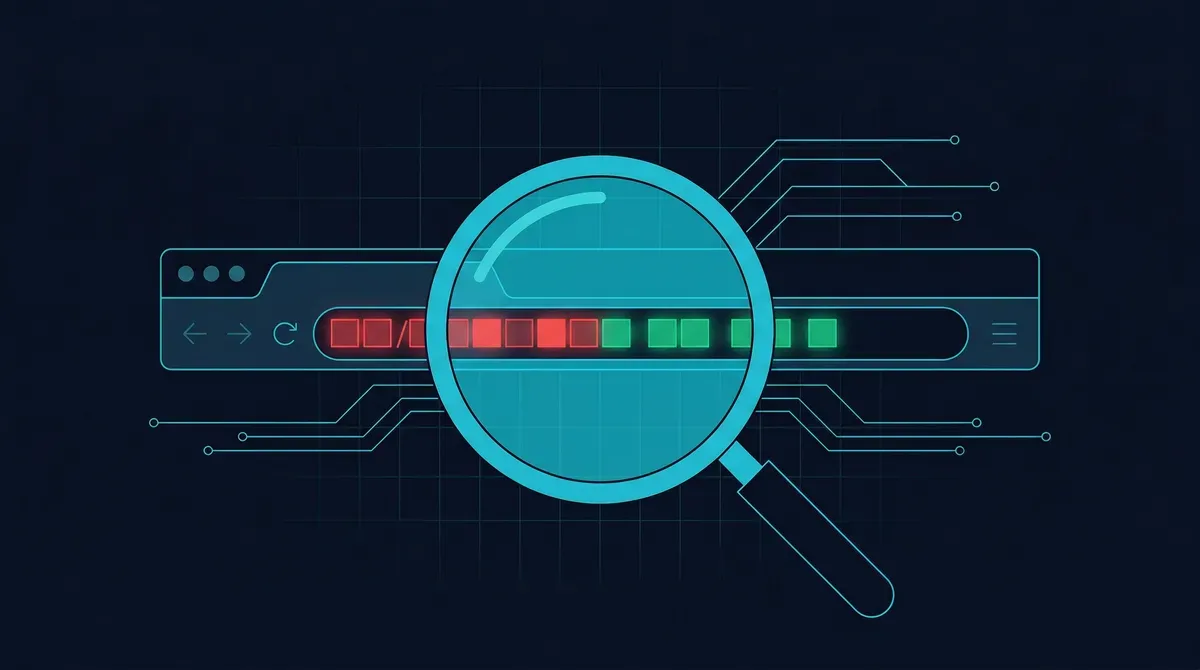
Phishing is the most common form of cyberattack on the internet. It works by sending you a link that looks legitimate but actually leads to a fake website controlled by an attacker. Once you arrive, the fake site asks for your password, credit card number, or other sensitive information -- and everything you enter goes straight to the scammer. The Anti-Phishing Working Group (APWG) reports that phishing attacks continue to set new records year after year, with attackers targeting everything from banking portals to cryptocurrency exchanges.
The phishing URL checker above lets you scan any link before clicking it, so you can see whether it has been flagged as dangerous by any of the major threat intelligence sources.
What Is Phishing and How Do Phishing URLs Work?
Phishing is a social engineering attack. Rather than hacking into a system directly, the attacker tricks you into handing over your credentials voluntarily. The attack typically follows this sequence:
- You receive a message via email, SMS, social media, or messaging apps containing a link.
- The link looks trustworthy -- it may appear to come from your bank, a delivery service, a government agency, or a platform you use.
- You click and land on a fake page that looks nearly identical to the real website.
- You enter your information, which the attacker captures instantly.
The URL itself is the critical deception point. Attackers use several techniques to make phishing URLs convincing:
- Typosquatting: Registering domains like
paypa1.comorarnazon.comthat look almost identical to the real domain at a glance. - Subdomain abuse: Creating URLs like
login.paypal.com.attacker-site.net, where the real domain isattacker-site.net-- not PayPal. - URL shorteners: Using services like bit.ly or tinyurl to hide the real destination entirely.
- Homograph attacks: Using characters from other alphabets (such as Cyrillic) that look identical to Latin letters, making the URL visually indistinguishable from the real one.
What the Phishing URL Checker Scans
When you paste a URL, the tool runs it through multiple layers of analysis:
- Browser Threat Intelligence -- Checks whether the URL has been flagged as phishing, malware, or social engineering in browser-level threat databases. This is the same technology that triggers warnings in Chrome, Firefox, and Safari.
- VirusTotal (70+ engines) -- Submits the URL to more than 70 antivirus and security vendors for simultaneous scanning.
- PhishTank -- Queries the community-verified phishing database maintained by Cisco, one of the largest collaborative phishing feeds available.
- ScammerDetect database -- Cross-references the domain against our own database of over 31,000 flagged scam and phishing domains.
- Domain intelligence -- Analyzes WHOIS registration data, domain age, TLS certificate details, and DNS configuration to identify patterns associated with phishing infrastructure.
ℹHow to Read the Results
The tool returns a risk score from 0 to 100. Scores above 60 indicate strong phishing indicators. Scores between 40 and 59 mean suspicious patterns were detected. A low score does not guarantee safety -- it means the URL has not been flagged yet. Always apply manual checks alongside the tool.
How to Manually Spot a Phishing URL
Automated tools are essential, but knowing how to inspect a URL yourself adds another layer of protection:
- Read the domain carefully. The real domain is what appears immediately before the first single slash (
/). Everything before that is subdomains, which anyone can create.secure-login.bankofamerica.comis legitimate (subdomain ofbankofamerica.com).bankofamerica.secure-login.comis not (the domain issecure-login.com). - Check for character substitutions. Look closely for zeros replacing the letter "o", ones replacing the letter "l", or other near-identical swaps.
- Expand shortened URLs. Before clicking a shortened link, use a URL expander tool to see where it actually leads.
- Look for HTTPS. While HTTPS alone does not guarantee a site is safe, a phishing page without HTTPS is a clear red flag. Many phishing sites now use HTTPS, so do not rely on the padlock icon alone.
- Verify the sender. If the URL came in an email, check whether the sender's email address matches the organization it claims to be from.
The FTC recommends going directly to a company's website by typing the URL yourself rather than clicking links in emails or messages. The FBI IC3 accepts reports of phishing attacks and uses them to track and disrupt criminal operations.
⚠Clicked a Phishing Link?
If you have already clicked a suspicious URL and entered information, change your passwords immediately for any affected accounts. Enable multi-factor authentication, monitor your financial accounts for unauthorized transactions, and report the phishing URL to Google Safe Browsing and the APWG.
Related Resources
GuidesHow to Protect Yourself from Phishing
Comprehensive defense strategies for email, SMS, voice, and social media phishing.
GuidesHow to Report a Phishing Email
Step-by-step instructions for reporting phishing to your email provider and authorities.
Scam TypesPig Butchering Scams
How long-term relationship scams use phishing links to direct victims to fake investment platforms.
Platform GuidesTelegram Scams
Common phishing tactics used on Telegram, including fake bots and impersonation attacks.
ListsTop Scammer List 2026
The highest-risk scam websites ranked by trust score with full evidence reports.